


Install the extension from the browser web store
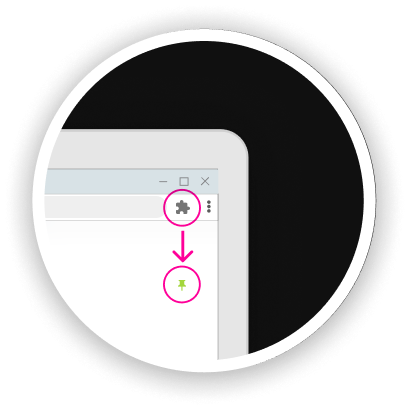
Click on extension button and pin OnlineArcadeGames

Click on floating widget to open OnlineArcadeGames
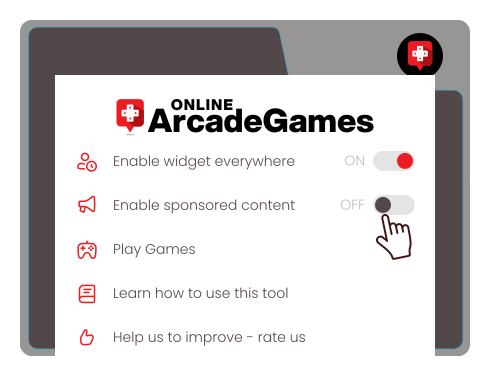
Disabling sponsored content
To turn off sponsored content, just toggle ’Enable sponsored content’ to off.
How to manage extension?
Learn how to use OnlineArcadeGames extension with few simple tips below...
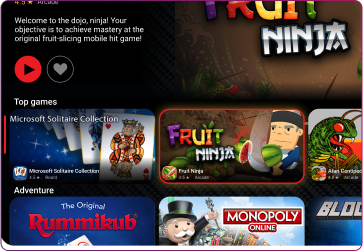
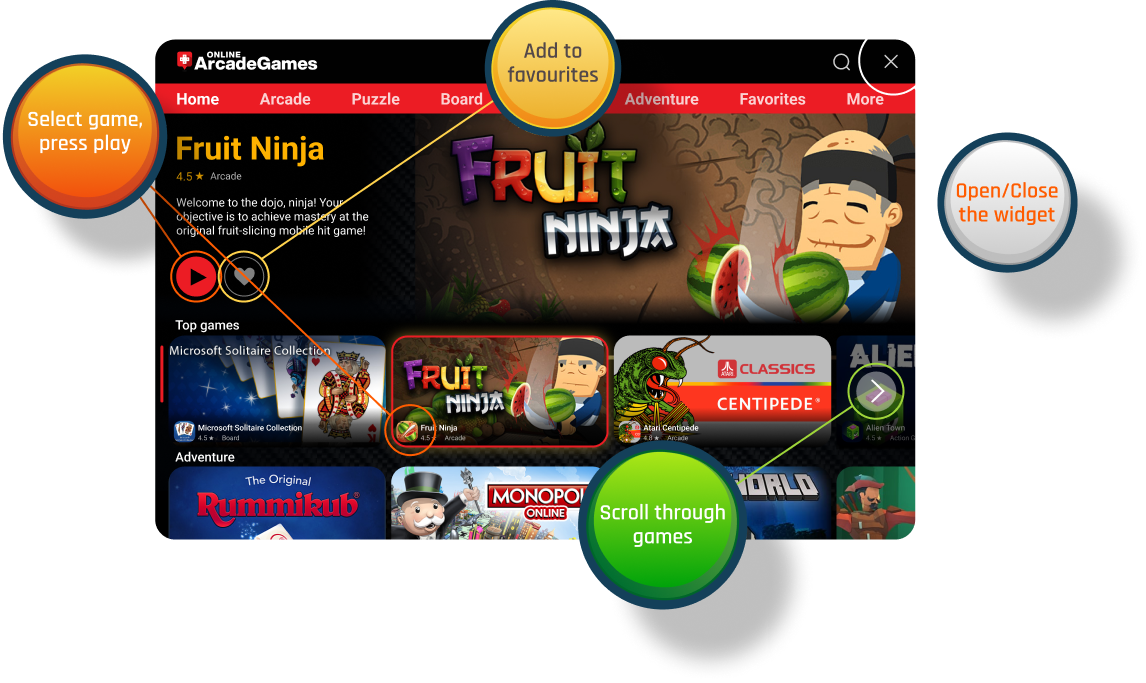
Select Desired Category
Simply click on the category list to show all games from it.
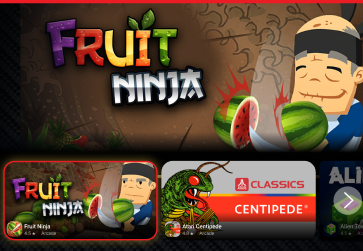
Pick Your Game
In category view, you can find desired game to play.

Play Game!
While playing game, you can always close or go back on the list.